Your files
Your keys
Not ours
NullKey is an offline encrypted vault for Android. Keep private notes, documents and photos on your phone. No account. No ads. No developer server.
Available now · Android 12L or later · iPhone version coming soon


A small routine
A little more privacy
Make it yours
Create a vault with a passphrase. Save your recovery key somewhere separate from your phone.
Bring your files in
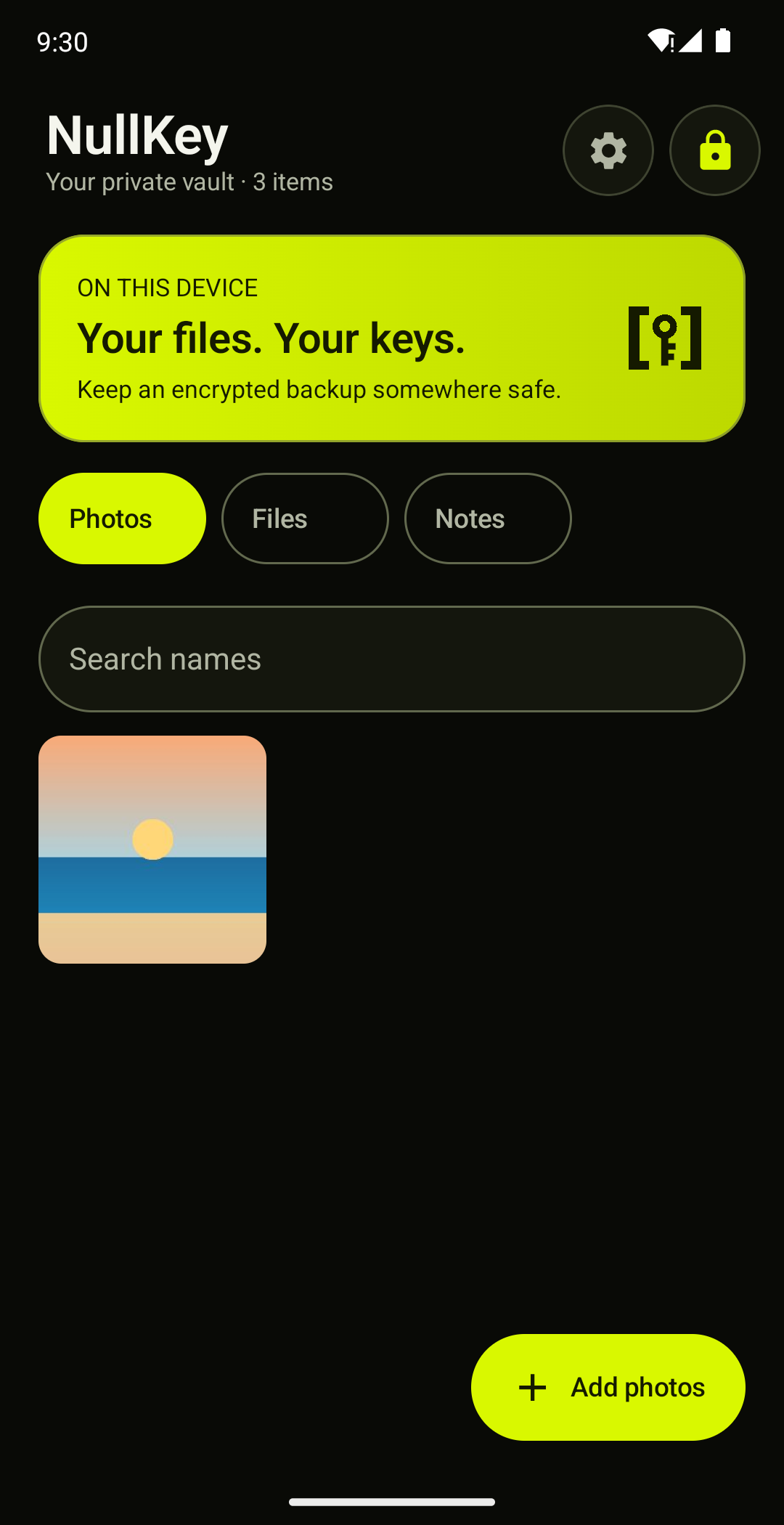
Write a private note, or import documents, photos and other files with Android’s picker. Search names inside your unlocked vault.
Keep a way back
Create and verify an encrypted backup. Keep a separate copy and the secret that unlocks it.
Importing keeps originals by default. Understand your copies before deleting anything.
Under a minute
The whole routine
Create a vault, keep a note, add a document and a photo, lock and unlock it, then make an encrypted backup.
The details you need
when it matters
Write a private note or import a document, and keep it encrypted on your phone, with no account.
Letters and records
Medical letters, test results, prescriptions and appointment details, together in a place only you can open.
Everyday paperwork
Insurance and policy numbers, tenancy and contract copies, and scans of a passport or ID.
Small facts, close at hand
Allergies, medication lists, reference numbers and other short notes you want private but findable.
Photos and notes open inside NullKey. PDFs, videos and other files are stored encrypted, and you open them by exporting a readable copy, which sits outside the vault’s protection. NullKey is not a medical record system and makes no claim about healthcare rules. Keep another copy of anything you cannot replace.
Private things
One familiar place
Notes, documents and photos, with the same simple routine.
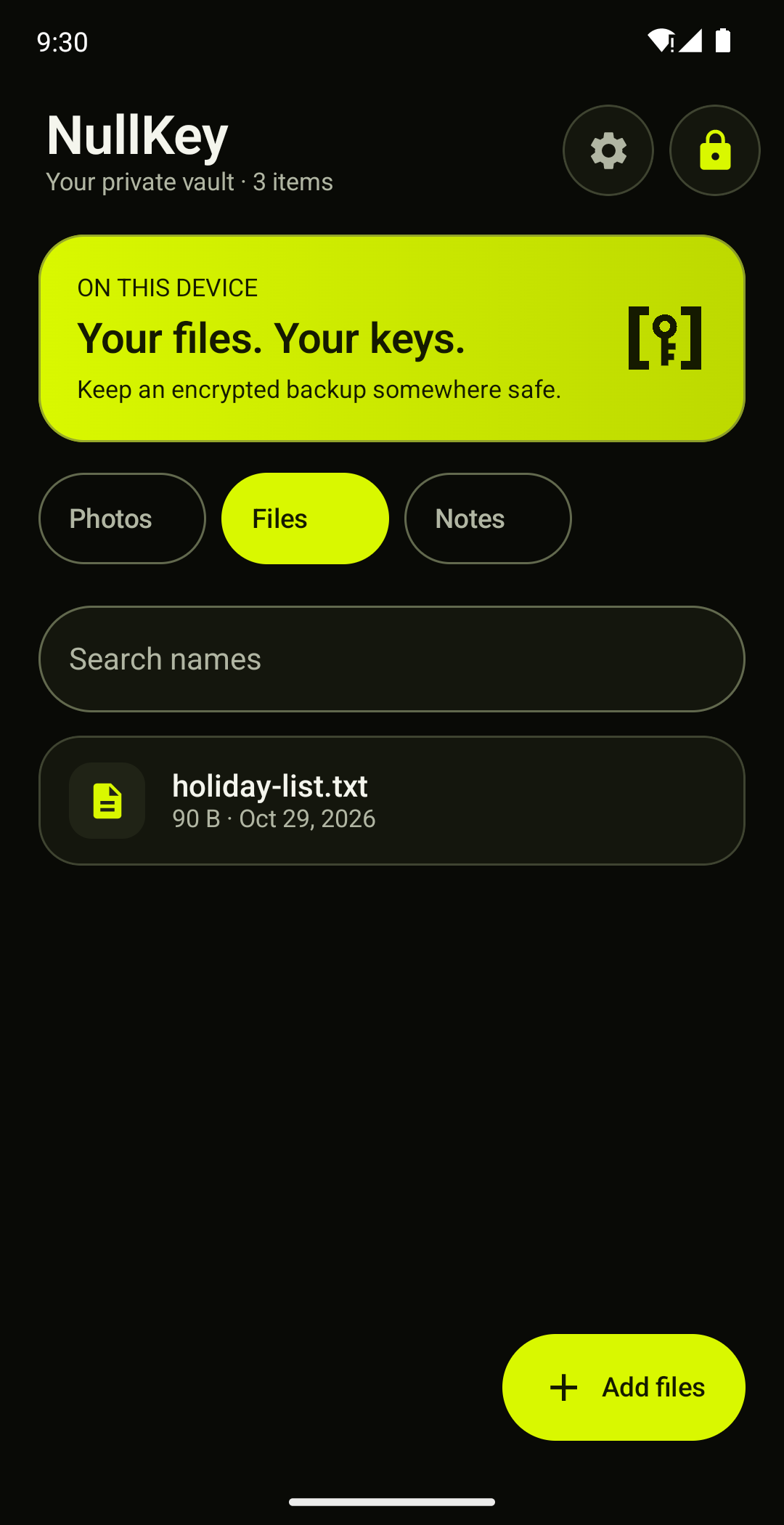
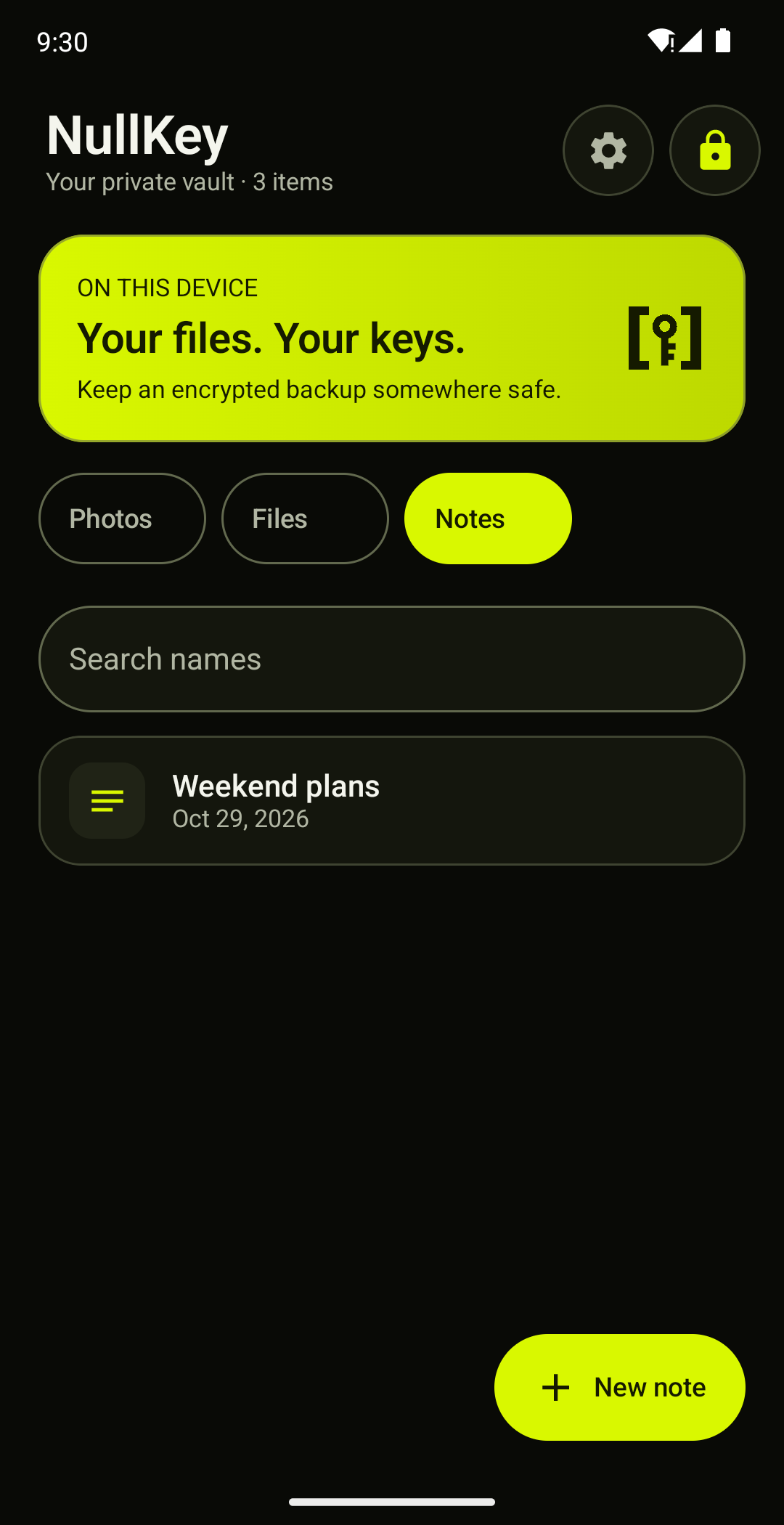
Real Android app captures with disposable sample data.
We don’t keep
a spare key
Your passphrase and recovery key unlock your vault. Alvento receives neither your vault contents nor its decryption keys.
Read the security modelLocal encryption
AES-256-GCM protects stored contents. Argon2id derives a key from your passphrase. The current app has no internet permission.
Your choice of unlock
Use your passphrase, or enable supported biometric, phone screen-lock or in-app pattern unlock. A pattern is a convenience, with weaker protection.
A backup you can check
NullKey checks the exported archive, encrypted items and thumbnails against your vault. Restore into an empty vault with the backup’s passphrase or recovery key.
Free to start
Pay once to keep going
Keep up to 30 photos, files and notes free. Pay once for no limit, with no subscription.
One payment, no subscription
NullKey Unlimited is an optional one-time purchase in Google Play that removes the 30-item free limit. Existing items, editing, export, backup and restore stay free, whether or not you buy.
Google Play shows the final price and terms for your country before you pay, and handles refunds.
Read the pricing detailsStraight answers
Can I download NullKey now?
Yes. Get NullKey on Google Play. Android 12L or later is required.
Can Alvento read my private files?
The app sends no vault contents or decryption keys to Alvento. Your phone decrypts them when you unlock. A compromised or unlocked phone remains a risk.
What if I forget my passphrase?
A saved recovery key can open an existing vault. If the phone or files are gone, you also need a backup. Losing both secrets means we cannot reset your access.
Does importing delete the originals?
No, not by default. Optional original removal checks eligible local files first. Android asks before supported photos and videos go to trash; other supported documents may be deleted permanently. Other copies can remain.
Which phones does it work on?
NullKey requires Android 12L or later. Biometric and hardware-backed unlock options depend on the device. The app has no in-app video or PDF viewer; readable exports open outside the vault’s protection.
What can I keep in notes and documents?
Anything you would rather not leave in your gallery or a general notes app: medical letters and test results, insurance and policy details, contract copies, ID scans and short private notes. Notes and photos open inside NullKey. Other files are stored encrypted, and you open them by exporting a readable copy. NullKey is not a medical record system, so keep another copy of anything you cannot replace.
Know what you’re keeping
How do you back up a vault that stays offline?
Offline does not mean backed up. Create an encrypted backup in Settings, wait for the read-back check, and keep it away from the phone with its secret.
Read guideBefore deleting the original, check the copy
Before you delete an original, check the imported copy and make a checked encrypted backup, because deletion is not guaranteed secure erasure.
Read guideRecovery key or backup? You need both jobs covered
A recovery key unlocks the vault but is not a copy of your data. A backup holds the data and still needs a valid secret to open it.
Read guideYour files, your keys, not ours
Make privacy a habit.